
How to Create Pet Product Ads That Actually Sell with Pollo AI
Filming a pet for a commercial is a special kind of chaos. Cats wander off, dogs refuse to hit their marks, and getting the perfect “product close-up with wagging tail” shot can take a full day of shooting. AI changes that. With an AI pet product ad generator, you can create polished, cinematic commercials from a single image and a text prompt—no animal trainers, no studio rentals, no reshoots.
This guide covers how to make pet product ads that convert, what makes AI-generated pet content work, and how to use Pollo AI to produce your first ad in minutes.
Why Pet Commercials Are Uniquely Hard to Produce
Pets don’t take direction. They don’t hold poses. They don’t care about your product placement or lighting setup. Traditional pet commercial production usually involves:
- Hiring professional animal handlers
- Renting studio space with pet-friendly setups
- Long shoot days waiting for the right moment
- Post-production cleanup to fix distracted looks or missed cues
- Backup animals in case the primary talent isn’t cooperating
All of this drives up costs and slows down production timelines. For small brands or independent Amazon sellers, that kind of budget isn’t realistic. AI-generated pet ads solve this by producing the exact scene you want on the first try.
How to Make a Pet Product Ad with Pollo AI
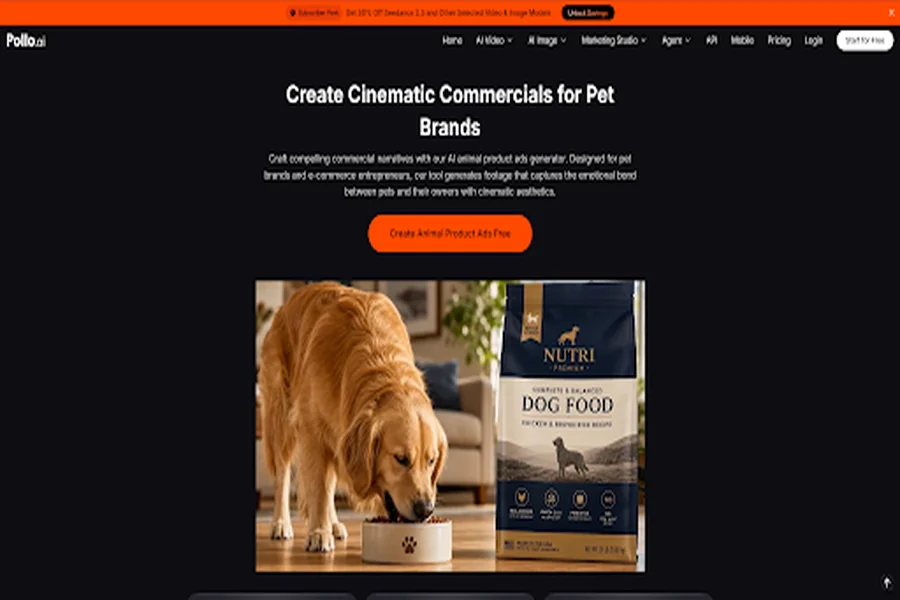
Pollo AI has a tool built specifically for generating animal product ads. Here’s how to use it.
Step 1: Upload an Animal Image
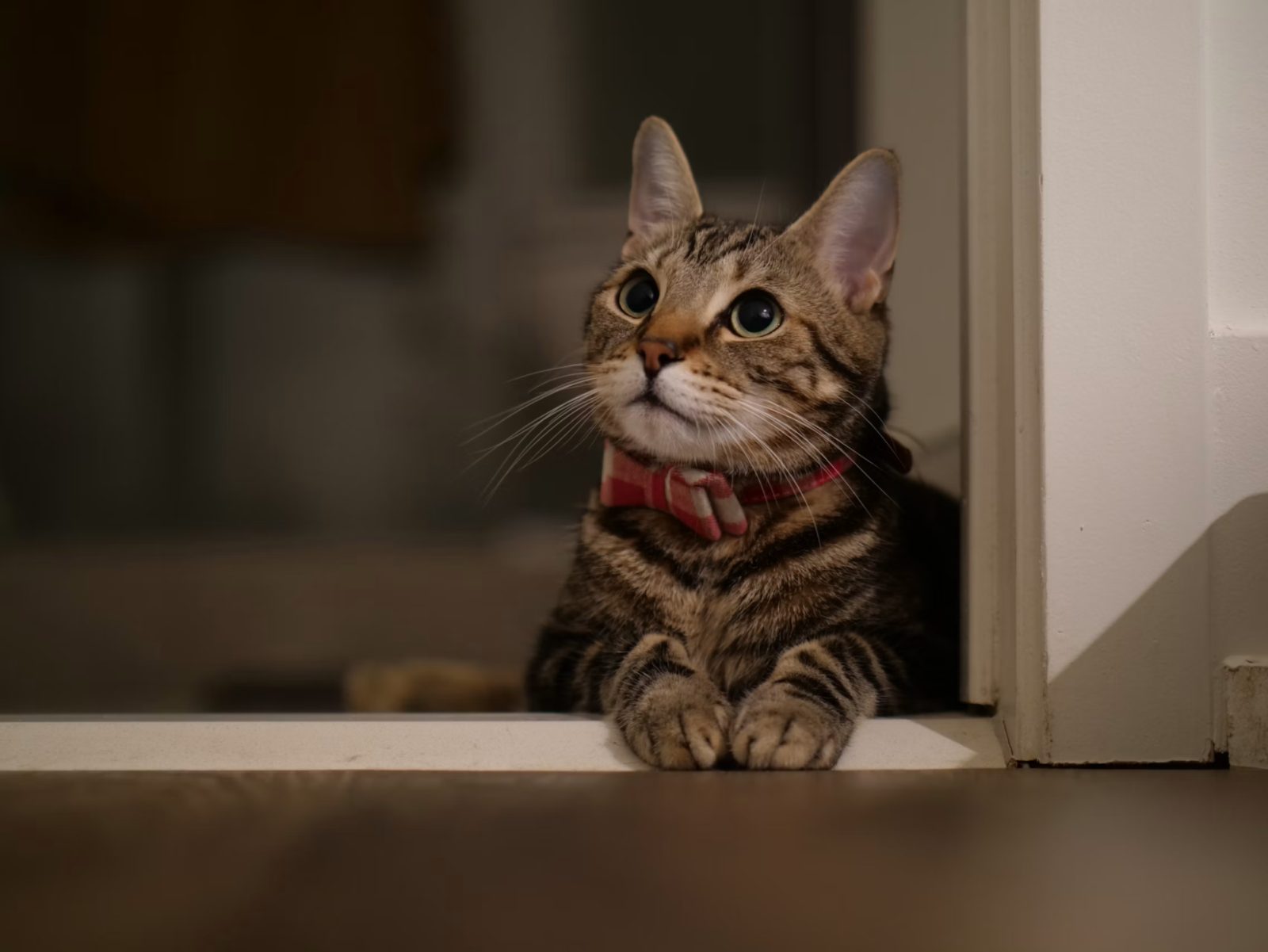
Start with a clear photo of the pet you want featured. This could be a stock image, a photo of your own pet, or an AI-generated animal. If your brand uses a specific “mascot” pet, using the same image across ads helps build recognition.
Tips for choosing the right image:
- Use good lighting and a clean background
- Pick a pose that matches the mood of your ad (playful, calm, alert)
- Higher resolution photos produce better final videos
- Match the breed to your target customer—luxury dog food ads often feature purebreds, while general pet ads do well with mixed breeds
Step 2: Describe Your Product and Scene
This is where the ad takes shape. Write a prompt that explains what should happen in the video. Include:
- The product being featured (name and brief description)
- The setting (kitchen, living room, backyard, veterinary clinic)
- The action (eating, playing, being groomed, reacting to the product)
- The mood (warm and cozy, energetic and playful, clean and professional)
Example prompts:
- “Golden retriever eagerly eating from a stainless steel bowl of dry kibble in a sunlit kitchen, tail wagging”
- “Cat playfully batting at an automatic laser toy on a hardwood floor, soft afternoon light”
- “Small dog getting a gentle brush from a groomer, calm and content expression, clean bright salon”
The clearer your prompt, the closer the result will match what you had in mind.
Step 3: Generate and Download
Hit Create. In a few minutes, you’ll have a finished video ready to post. If the first version isn’t right, tweak the prompt and try again—it’s fast enough to test five or six variations without much effort.
Tips for Making Pet Ads That Convert
A few things worth doing:
- Test multiple angles. Generate versions with different settings, moods, and camera angles from the same starting image. See which one performs best.
- Keep the product prominent. If your prompt focuses too much on the pet, the product can get lost. Mention the product’s placement clearly.
- Match the vibe to the platform. TikTok ads should feel energetic and casual, while Amazon listing videos should feel clean and informative.
- Use consistent characters. If you’re building a brand, use the same pet across ads so viewers start to recognize it.
- Add captions and music after. Pollo generates the visuals—you can layer text overlays and background music in a simple editor like CapCut for the finishing touch.
Use Cases Across the Pet Industry
The tool works for more than just pet food. Some examples:
Pet food and treats: Slow-motion crunch shots, happy eating scenes, ingredient close-ups paired with a satisfied pet.
Toys and accessories: Action shots of pets playing with your product, showing durability and fun in one clip.
Health and grooming: Calm, clean scenes that build trust—think supplement bottles beside a healthy-looking pet, or grooming products in use.
Smart pet tech: Product demos for automatic feeders, smart collars, GPS trackers, and cameras. AI is great for showing the tech in action without needing complicated setups.
Specialty markets: Aquarium supplies, reptile habitats, bird cages, equestrian gear—niche products that would be expensive to shoot traditionally.
Other Ways Pollo AI Helps
While the animal product ad generator is the focus here, Pollo AI covers a full range of content creation needs. You’ll also find:
- Text-to-video and image-to-video generators for other ad types
- AI image generator to create product visuals from scratch
- Clone Video Ads tool for replicating winning ad formats from competitors
- Background remover and image upscaler for cleaning up source photos
- AI avatars and lip-sync tools for testimonial-style content
If you run a pet brand, you can handle most of your content needs—social posts, product photos, listing videos, and paid ads—inside one platform.
Making pet product ads no longer requires a film crew, a trained animal, or a big budget. With Pollo AI, you can generate cinematic, emotionally engaging commercials in the time it would take to schedule a traditional shoot. Start with a solid pet image, write a focused prompt, and iterate until you have an ad that fits your brand.
For small pet brands, Amazon sellers, and marketing teams working on tight timelines, this is one of the fastest ways to keep a steady stream of fresh creative running.