
Memo CX19 Review: The Best Phone Cooler With Wireless Charging?
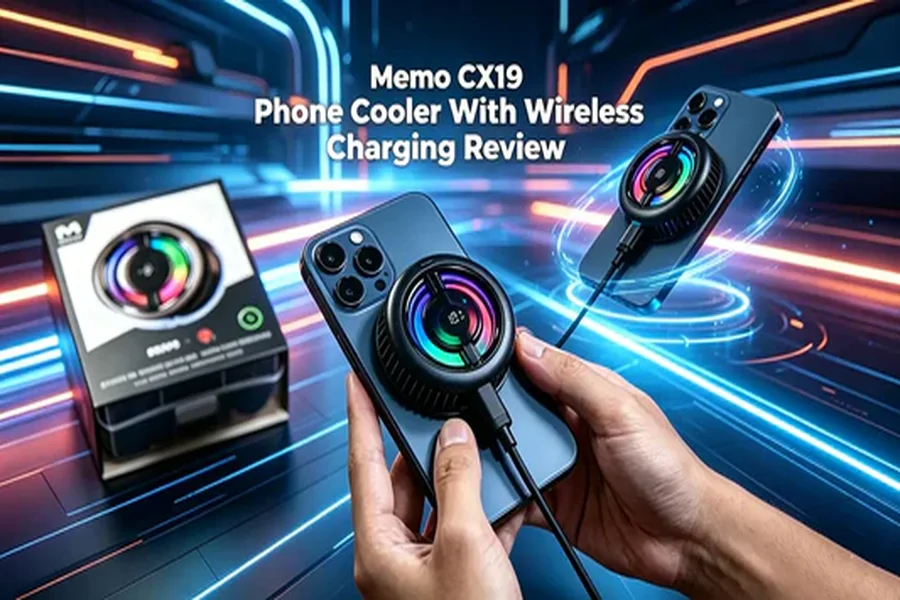
Long gaming sessions heat your phone fast. Once that happens, performance throttles, frames drop, and the back of your device gets uncomfortable to hold. A good phone cooler fixes that in seconds.
The Memo CX19 is one of the newest Memo released at the end of 2025, and it adds a feature many rivals skip: wireless charging. That means you can cool your phone and charge it at the same time, without plugging a cable into your device.
In this Memo CX19 review, you’ll get a full unboxing, a breakdown of the three operating modes, real temperature test results. By the end, you’ll know exactly whether the CX19 cooler is worth buying.
Why a Phone Cooler Matters
Your phone slows down when it overheats. That’s not a bug — it’s built-in protection. When internal temperatures climb, the processor throttles to avoid damage, which drops your frame rate mid-game.
A semiconductor phone cooler pulls heat away from the back of your device. That keeps the chip cool, holds frame rates steady, and makes the phone more comfortable to grip.
If you play demanding games, stream, or record video for long stretches, a cooler is one of the cheapest ways to protect performance.
Unboxing the Memo CX19
The box is simple but complete. Here’s what you get:
- Charging cable — a noticeably thick, high-quality cable that feels durable
- CX19 cooler unit — with a design that stands out from Memo’s usual lineup
- Two high-strength clips — to grip your phone securely
- Ring-shaped magnetic plate — for wireless charging support
- User manual — quick setup instructions
The clips work for most phones. But if you’re using a tablet or a device where clips won’t fit, you can attach the cooler with the magnetic plate instead.
Why the Magnetic Plate Is Ring-Shaped
This is the detail that catches people off guard. Most Memo magnetic plates are solid. The CX19’s plate is an open ring.
The reason is simple: this cooler charges wirelessly. A solid metal plate would block the wireless charging signal. The ring shape leaves the center clear, so power passes through to your phone while the magnet still holds the cooler firmly in place.
Mini takeaway: The ring plate isn’t a design gimmick. It’s what makes wireless charging and magnetic mounting work together.
Key Features: Three Modes, One Button
The CX19’s standout feature is flexibility. A single button and a small digital display control everything.
The display shows two icons: a lightning bolt (wireless charging) and a snowflake (cooling). Press the button to cycle through three modes:
- Charge only — lightning bolt lit, snowflake off. The cooler charges your phone wirelessly but does not cool. The temperature will rise here.
- Cool only — snowflake lit, lightning bolt off. The cooler chills your phone but does not charge it.
- Cool + charge — both icons lit. The cooler cools and charges at the same time.
Press once more, and the unit powers off.
This is genuinely useful. If your battery is full, run cool-only. If you’re gaming while plugged in, run both. You get to decide based on your situation, not the device’s.
Wireless Charging That Actually Works
To confirm the wireless charging, testing used a 33W adapter and a compatible phone. The moment the cooler attached, the phone began charging — no cable into the device required.
Just make sure your phone supports wireless charging before you buy. If it doesn’t, you’ll only use the cooling function.
Cooling Performance: The Phone Cooler Test
Numbers matter more than marketing, so here’s the real phone cooler test.
Running in cool-only mode for about two minutes, the CX19’s display read around -6°C. An infrared temperature gun told a slightly different story — it measured -8°C to -8.1°C on the cooling plate.
That small gap suggests the built-in display sensor may read a touch high. Across repeated tests, the infrared readings landed consistently between -8.7°C and -9°C.
Here’s how that stacks up. Most coolers in this category land somewhere between -3°C and -11°C. A steady -8°C to -9°C puts the CX19 near the top of the pack.
Mini takeaway: Expect roughly -8°C, give or take a degree. That’s strong cooling for this class of device.
Power and Build
A few specs round out the picture:
- Input power: 36W (12V × 3A)
- Weight: Very light — roughly the same as comparable single-plate Memo coolers
- Vents: Wide heat dissipation slots for efficient airflow
The 36W input gives the cooler enough headroom to run cooling and wireless charging together without struggling. And despite the added wireless hardware, the CX19 stays lightweight, so it won’t throw off your grip during long sessions.
Key Takeaways
Here’s the quick recap before you decide:
- Cooling: Consistent -8°C to -9°C, among the best in its class.
- Wireless charging: Works reliably with a compatible phone, thanks to the ring-shaped magnetic plate.
- Flexibility: Three modes (cool, charge, cool + charge) from one button.
- Design: Lightweight, wide vents, 36W input.
- Size: balanced, not bulky.
The one thing to check first: your phone needs wireless charging support to use the full feature set.
Should You Buy the Memo CX19?
If you want strong cooling and the convenience of cable-free charging in one device, the CX19 is an easy recommendation.
It cools hard at around -8°C to -9°C, stays light in the hand, and gives you real control over how it runs. The wireless charging is the feature that sets it apart from most coolers at this level — and it works exactly as promised.
For gamers, streamers, and anyone who runs their phone hot, the Memo CX19 delivers where it counts. If you’ve been searching for the best phone cooler with wireless charging, this is the model to add to your cart.