
7 Best Equipment Checkout Systems for Small Teams
Ranked for quick setup, reliable handoffs, and shared-gear visibility
Small teams rarely lose equipment because nobody cares. The problem is usually that checkout steps live too far from the physical handoff. A camera leaves a cabinet while the spreadsheet sits in another tab. A laptop is returned to the office, but nobody changes its status. By the end of the week, the team has a list of assets without a dependable view of custody.
The best equipment checkout systems close that gap. They make it quick to identify an item, assign it to a person, record an expected return, and confirm that it came back. This list ranks seven practical options, from lightweight QR-based tools to broader asset platforms.
Quick ranking
1. WhoHasGear — best overall for simple QR-based equipment checkout
2. Cheqroom — best for reservation-heavy gear operations
3. Sortly — best for visual inventory organization
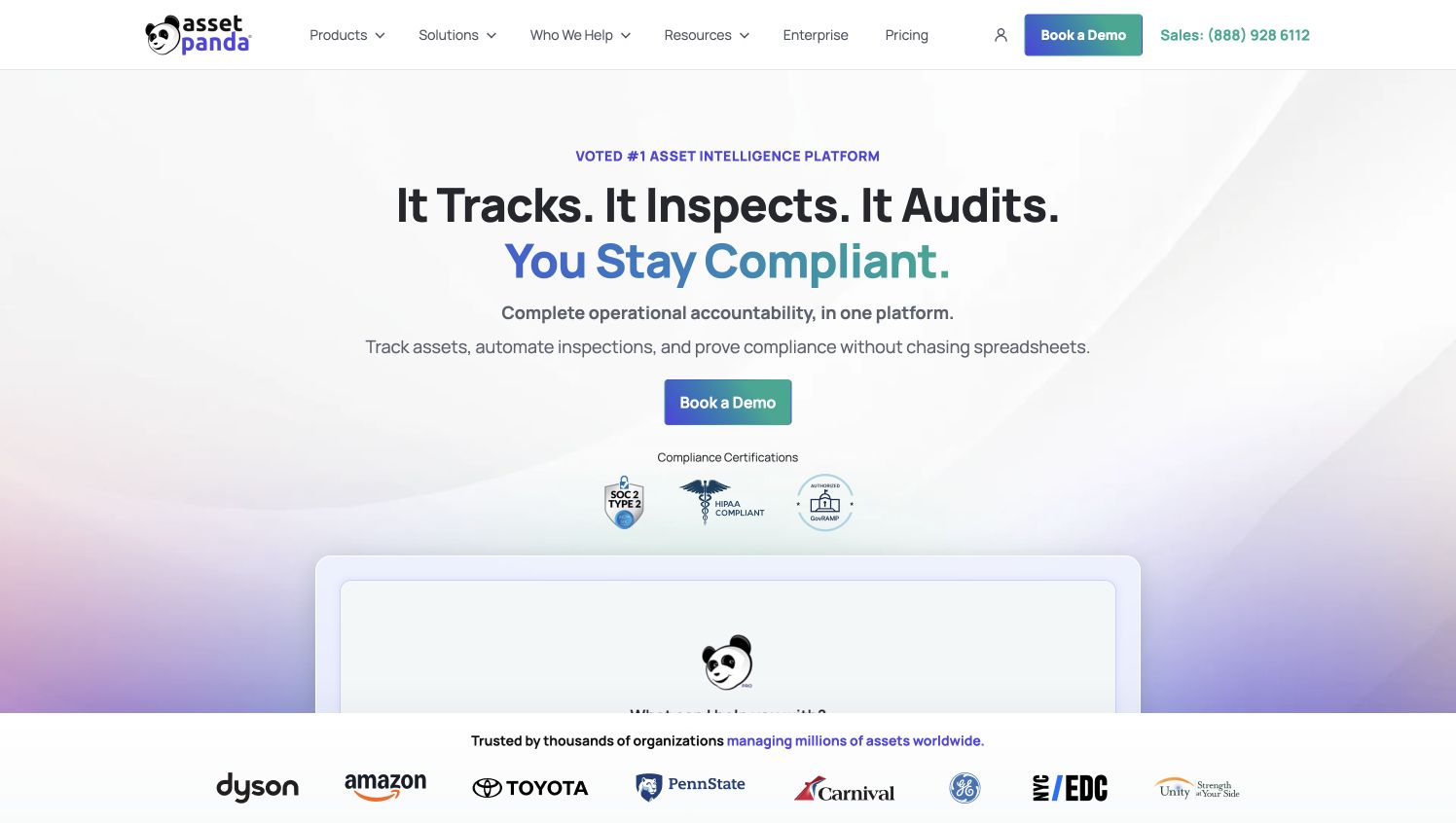
4. Asset Panda — best for configurable asset workflows
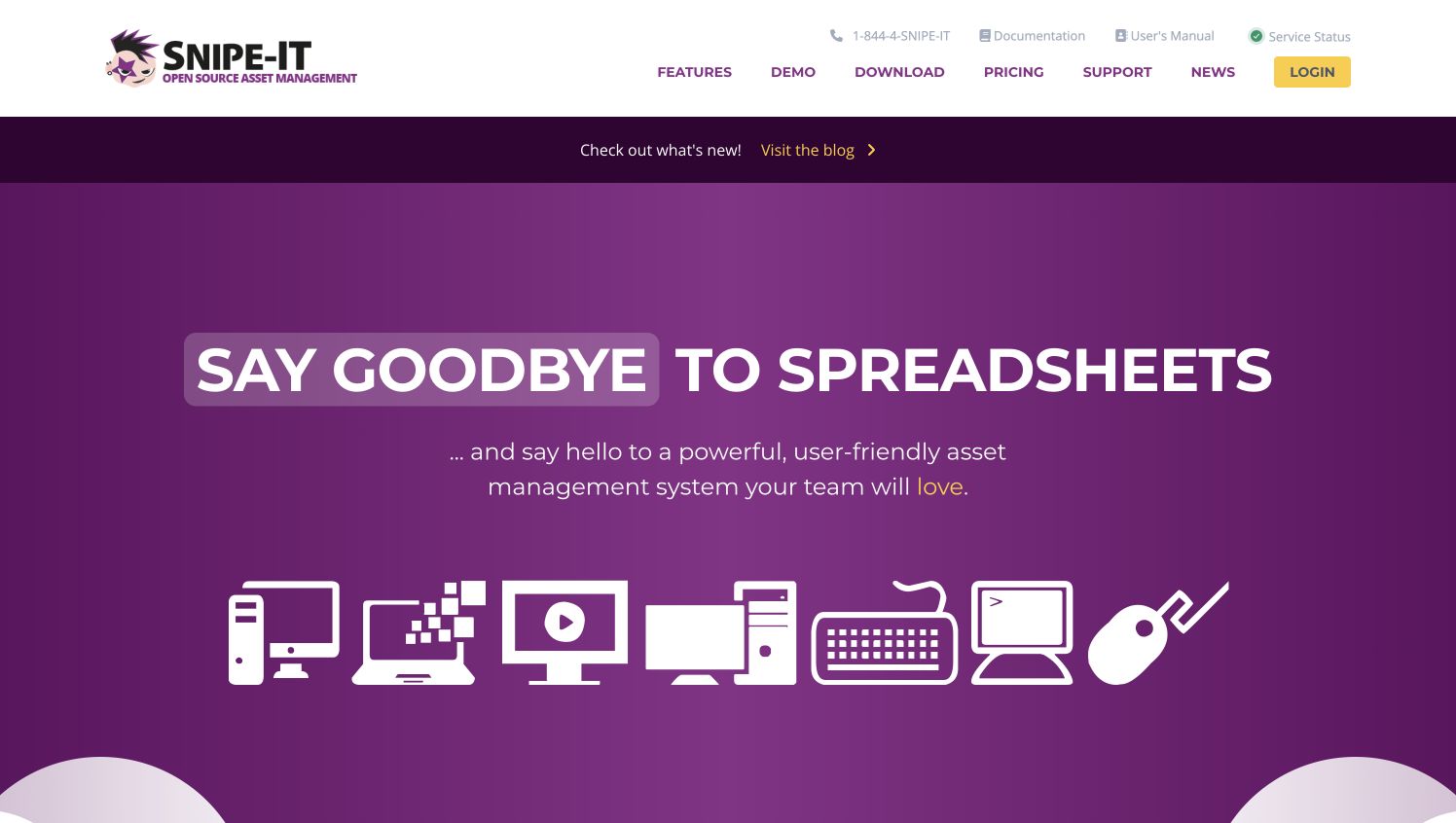
5. Snipe-IT — best for technical teams that want open-source control
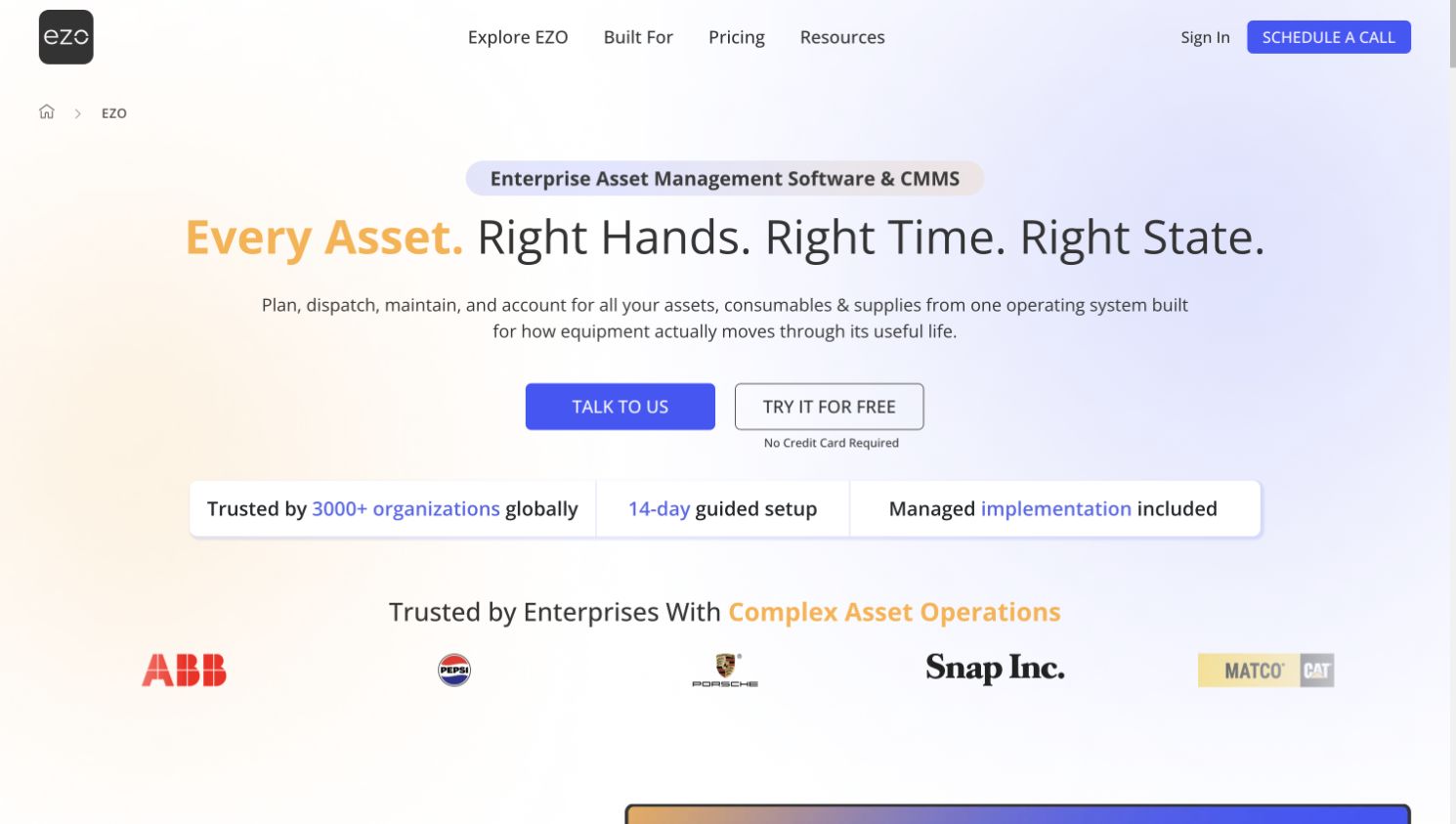
6. EZOfficeInventory — best for maintenance-aware asset management
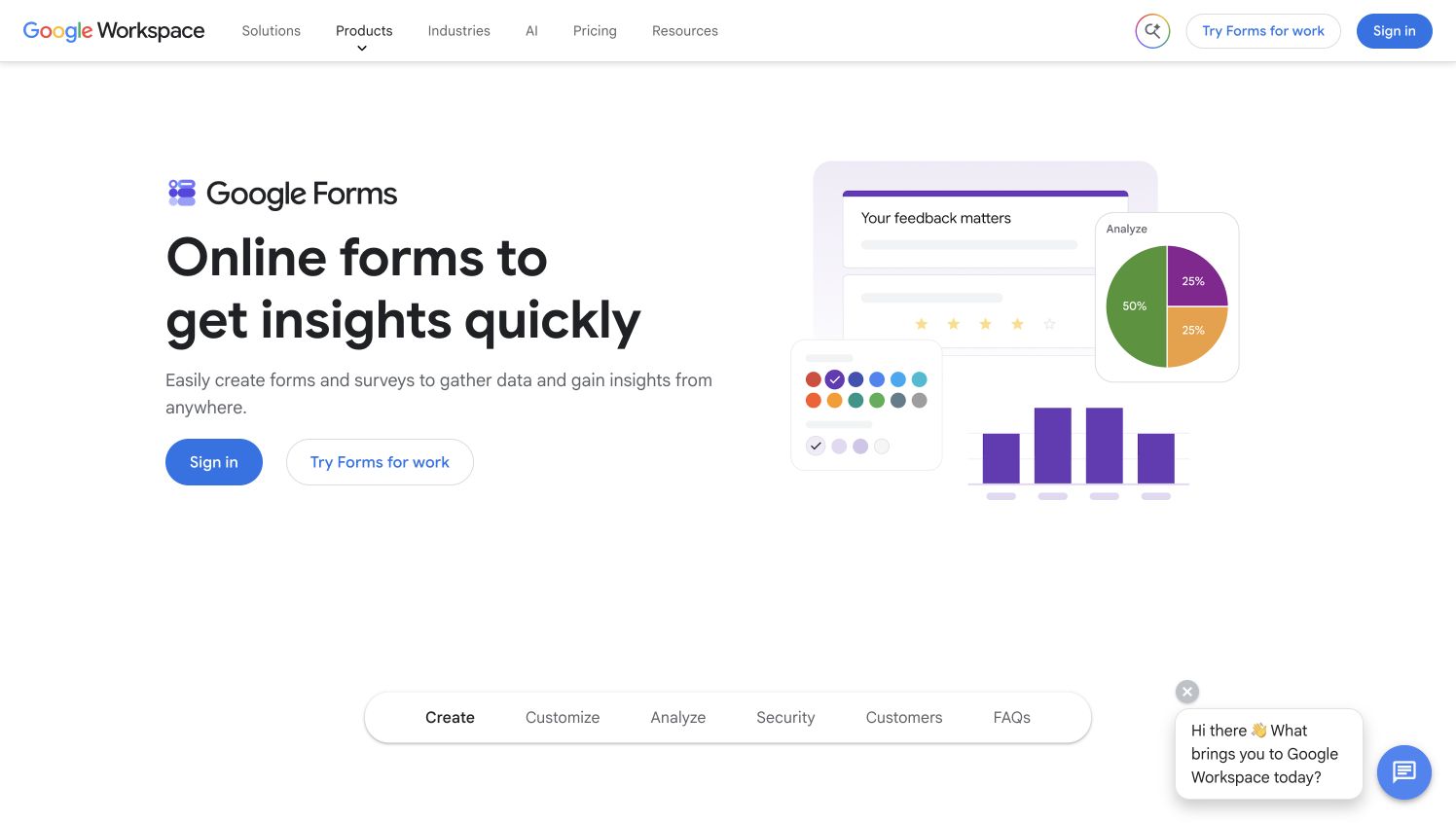
7. Google Forms and Sheets — best for a basic starter workflow
1. WhoHasGear — Best overall for small teams
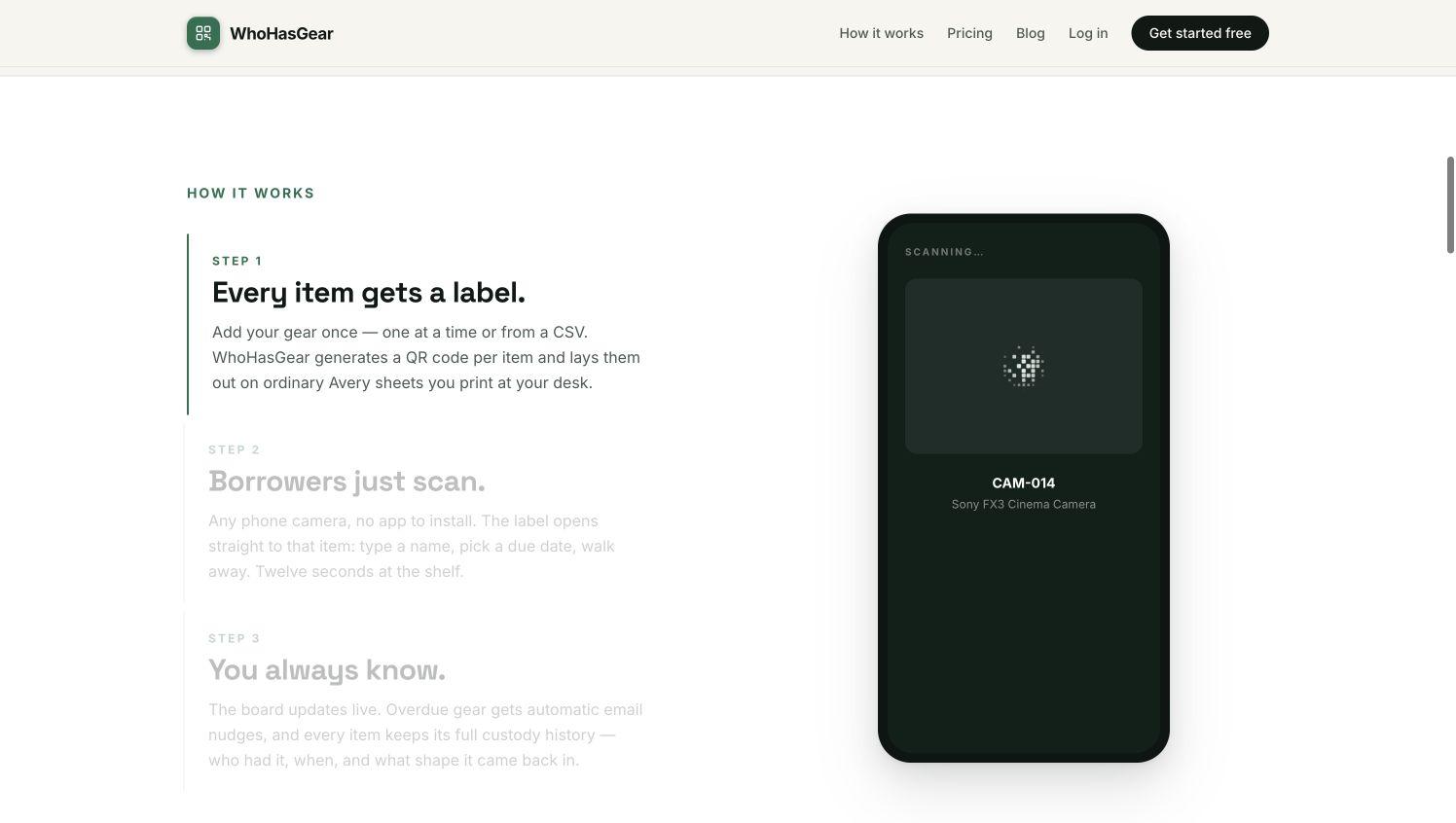
WhoHasGear takes the top spot because its workflow is built around the moment equipment changes hands. A QR code can connect a physical item to its record, letting a borrower or coordinator complete the checkout where the gear is stored. That removes the extra search step that causes many spreadsheet systems to fall behind.
The appeal is focus. Small organizations often do not need procurement modules, depreciation schedules, or a complicated service desk. They need to know what is available, who has an item, and when it should return. A focused checkout process is easier to teach to employees, volunteers, students, contractors, and other occasional users.
WhoHasGear is particularly suitable for creative teams, community organizations, schools, churches, small production groups, and businesses that share portable equipment. Teams should still define clear rules for returns, extensions, damage notes, and overdue follow-up, but the tool can make the daily transaction much easier to complete.
2. Cheqroom — Best for reservation-heavy operations
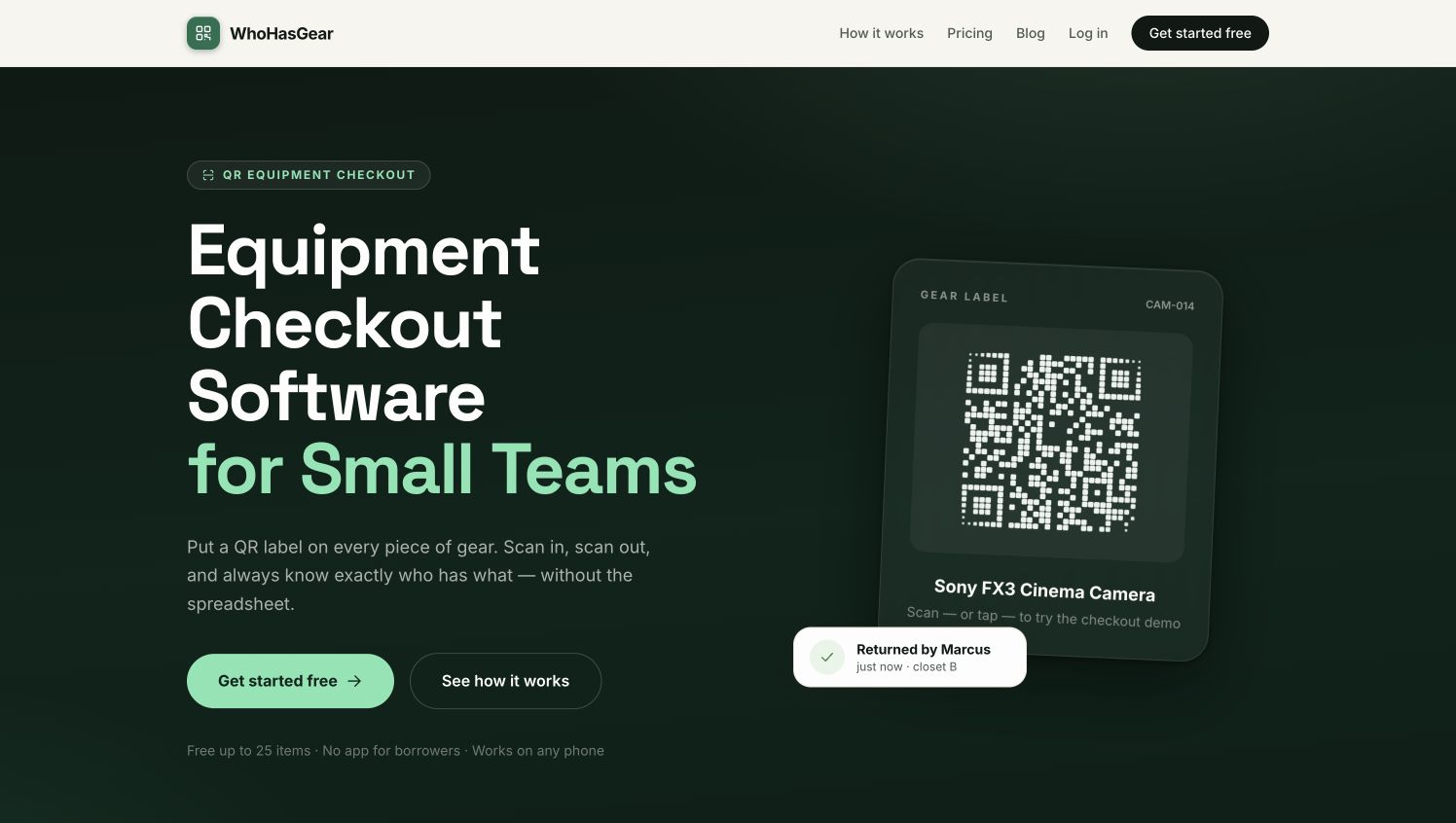
Cheqroom is designed for organizations where equipment is booked, checked out, returned, and maintained as part of a larger operation. It supports barcode and QR scanning, reservations, availability views, kits, reminders, and checkout history. Those capabilities can be valuable when many people compete for the same cameras, laptops, production kits, or technical resources.
Its strength is coordination. A team can distinguish between an item that is physically available today and one that is already reserved for tomorrow. That makes Cheqroom a stronger fit for universities, media departments, equipment cages, and larger production teams than for a five-person office with a single storage closet.
The tradeoff is that a broader platform requires more setup and ownership. Categories, permissions, reservation rules, and item data need to be maintained. Teams should confirm that they will use those controls before choosing a system built around them.
3. Sortly — Best for visual inventory organization
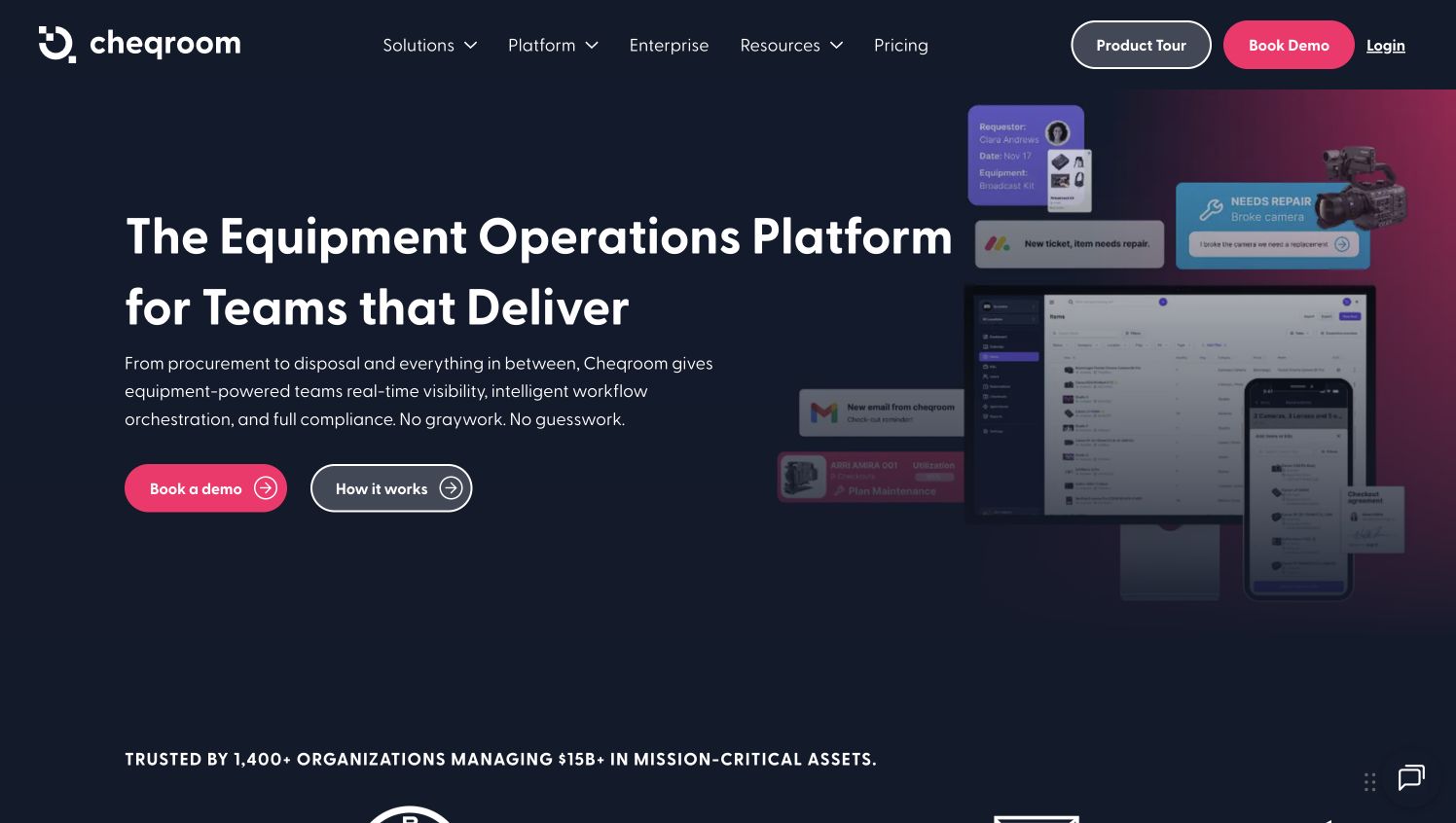
Sortly combines inventory records with photos, folders, custom fields, tags, barcode scanning, QR labels, and item check-in or checkout. The visual approach can be helpful when users recognize an item by appearance more easily than by a serial number or asset code.
This option works well for teams managing mixed inventory. A small events company, for example, may track cables, displays, décor, tools, cases, and consumable supplies in the same system. Photos and folders can make that collection easier to browse than a dense table.
The key question is whether the team primarily needs inventory organization or scheduling. Sortly can support custody tracking, but groups with complex advance reservations should compare its workflow carefully with platforms that center more heavily on equipment booking.
4. Asset Panda — Best for configurable workflows
Asset Panda is aimed at organizations that want to customize asset records and processes. It can centralize equipment information and support mobile access, lifecycle records, and workflows adapted to different departments or asset types.
That flexibility is useful when one organization tracks several classes of property with different requirements. Computers may need assignment and warranty fields, while field equipment may need inspections, condition photos, and location history. A configurable platform can keep those records under one umbrella.
Customization also creates responsibility. Somebody has to decide which fields matter, remove redundant steps, and keep the system understandable. Small teams should resist recreating every paper form inside the software. The common checkout action should remain short even if administrators maintain richer background records.
5. Snipe-IT — Best open-source option
Snipe-IT is a well-known open-source asset management platform. It is commonly associated with IT hardware and supports asset models, assignments, status labels, history, accessories, components, and related records.
For technical teams, the attraction is control. Organizations can self-host the software and adapt their deployment to internal requirements. It can be a sensible fit for laptops, monitors, mobile devices, and other assets assigned to employees for longer periods.
It is less naturally suited to a casual self-service equipment cage unless the team is prepared to shape that workflow. Hosting, maintenance, permissions, backups, and user support also require technical ownership. The software may be free to obtain, but operating it still has a cost.
6. EZOfficeInventory — Best for maintenance-aware tracking
EZOfficeInventory combines checkout and asset records with maintenance-oriented capabilities. That can matter for teams whose equipment must be inspected, serviced, calibrated, or repaired between uses.
A simple custody record tells you who has the item. A maintenance-aware record can also help explain whether the item is ready to use. This distinction matters for power tools, audiovisual kits, test equipment, facilities gear, and other assets where “back on the shelf” does not always mean “available.”
Teams considering this type of platform should map the full return process. If an item can move from checked out to returned, awaiting inspection, under repair, and available, the software should make those states clear without slowing ordinary check-ins.
7. Google Forms and Sheets — Best starter option
A Google Form connected to a spreadsheet can provide a low-cost first version of an equipment log. The form can collect the item, borrower, date, expected return, and condition note while the spreadsheet stores responses for review.
This approach is reasonable when inventory is small, borrowing is infrequent, and one coordinator can reconcile the records. QR codes can even point users to a form, although the team must still prevent duplicate entries and determine the current state of each item.
The limitations appear as activity grows. A response log does not automatically create reliable live availability, reservation conflict checks, or a clean chain of custody. It is best treated as a pilot that helps the team learn its requirements before moving to a dedicated system.
How to choose the right checkout system
Start with the physical workflow, not the feature list. Identify where items leave, who records the handoff, how returns are confirmed, and what happens when equipment is damaged or late. Then test whether a new user can complete the common action without help.
Prioritize adoption over administrative depth. The most powerful system will still fail if borrowers bypass it. For many small teams, QR access, a short checkout form, clear current status, and simple reminders matter more than advanced reporting.
Finally, assign an owner. Even self-service systems need someone to resolve overdue records, retire old assets, replace damaged labels, and protect the workflow from unnecessary fields.
Final verdict
WhoHasGear is the strongest overall choice for small teams that want a direct, practical equipment checkout process without turning the project into a major software rollout. Cheqroom is better suited to reservation-heavy operations, while Sortly offers approachable visual inventory management. Asset Panda, Snipe-IT, and EZOfficeInventory serve teams with broader configuration, technical, or maintenance needs. Google Forms and Sheets remain a useful starting point when the collection is small and the process is still being tested.