
How To Create A One-Shot Music Teaser With Seedance 2.5
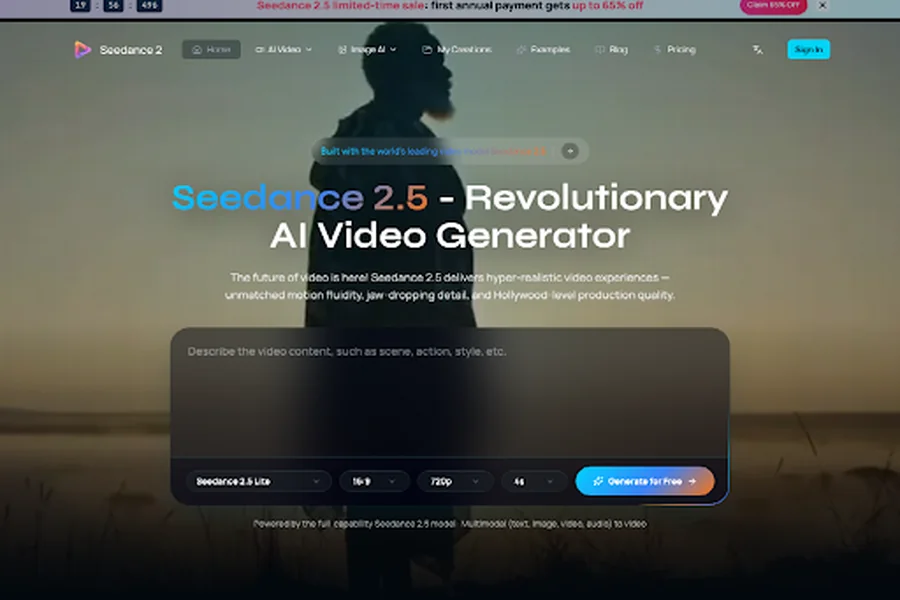
Music editors lose the chorus when a visual is built from two generated clips joined at the bar line. A one-shot music teaser needs the camera to travel through the whole idea, because a hard cut in the middle makes the song feel assembled. Seedance 2.5 is built for one continuous clip of up to 30 seconds, generated in a single pass rather than stitched from separate shots.
The check on this desk is blunt. If the orbit, the push, or the handheld drift breaks at the splice, the piece is wrong for the song even when each half looks polished on its own. The editor is not scoring prettiness. The editor is asking whether one camera move can carry the verse, the chorus, and the end card without a fresh generation for every section.
The Chorus Dies In The Splice
A music visual usually fails in a very specific place. The verse is a close shot of a singer or a garment. The chorus wants a wider room, a different light, or a crowd that was not in the first prompt. Someone generates the second idea as its own clip, drops it on the timeline, and hopes a one-frame dissolve will hide the join. It rarely does. The lens height changes, the grain changes, and the performer drifts into a slightly different face. Viewers may not name the problem. They feel the song restart.
That failure has a time cost before it has a taste argument. A commissioner who asked for one treatment now has two files, a notes thread about which face is the real one, and an afternoon lost to matching color that the second generation invented. The old workaround, a storyboard of stills plus a separate clip for each bar, keeps the stills honest and the motion dishonest. The stills match the clothes. The motion does not share a camera.
One Pass Has To Hold The Whole Song
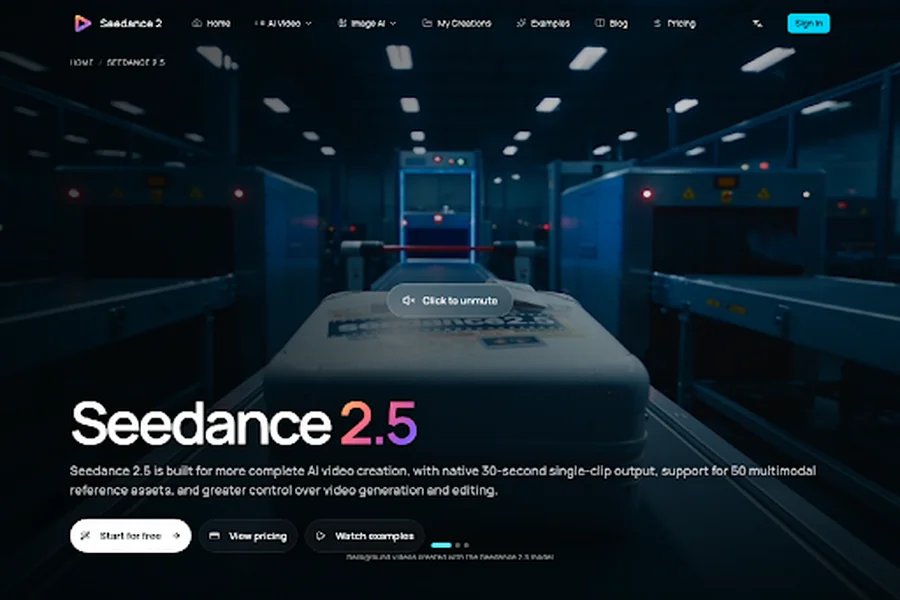
The model page describes the alternative in plain production language. A continuous clip of up to 30 seconds can come out of one generation: one shot, one prompt, no stitching. Story beats, a product moment inside a fashion film, or a cinematic passage get room to develop inside that single duration. Output length on this model runs from 4 seconds to 30 seconds, so a 20-second chorus film is inside the range and a three-minute live cut is not. The desk still edits the master song. What changes is that the picture no longer has to be born as three unrelated renders.
Thirty seconds is long enough for a real shape and short enough to reject. A culture piece can spend the opening on a face, move through a room during the pre-chorus, and land on a title card as the hook hits, provided those beats were written into the same prompt. If the camera cannot survive that trip, the treatment is not ready. Generating a prettier second half does not repair a move that already broke.
Time The Beat Before You Write The Prompt
The page shows what second-by-second direction looks like. A sample prompt times a story in slices: an opening state, a discovery, a comic turn, a payoff, then a clean card near the end. A music editor can use the same habit without copying that sample. Write the timestamps against the song. Bars 1 to 4 stay on the face. The pre-chorus crosses the room. The chorus holds a wide shot. The last two seconds reveal the title. The prompt is a cue sheet, not a mood paragraph.
This is also where a bad prompt wastes the pass. A line that only says “cinematic and emotional” gives the model nothing to hit when the chorus arrives, so it invents a new location. A timed sheet gives the review a rule. If the wide shot arrives before the chorus, or the title card eats the hook, that render is rejected and the timestamps get rewritten. One variable moves. The song does not get a second, unrelated world.
Keep The Camera Move Inside The Prompt
Camera language belongs in the same sheet. The model page says push, pull, pan, track, close-up, and wide shot can be named and followed, and that a 30-second example can be filmed as one continuous move rather than a sequence of cuts. For a single, name one move and stay with it. An orbit that starts on a jacket button and ends on the stage is a different film from three locked-off portraits. If the prompt asks for both an orbit and a sudden aerial, the result will often look like the splice you were trying to avoid, only inside one file.
Review the move with the sound off first. If you cannot tell where the chorus is from the picture alone, the timestamps are muddy. If you can tell, and the face or the garment has drifted into a different person by the final second, the move survived and the identity did not. That second failure is a reference problem, not a reason to cut the clip in half.
Change The Jacket Without Reshooting The Room
Fashion and music desks hit the same wall a day later. The film is right, and the stylist changes the jacket. Regenerating the whole 30 seconds to swap a garment usually rebuilds the room, the light, and the walk. The page describes a narrower edit. Keep the strongest parts of the scene and change only what has to change: replace wardrobe, repair an object, or redesign the environment, without starting over. That path sits inside Seedance 2.5 AI Video Generator, which also lists video edit and video extend for this model, not only a fresh text-to-video pass.
A practical edit note from the page is specific enough to copy as a method. One sample says to remove every person in a clip except the main subject, while the implication of the wardrobe example is the same discipline: point at the existing picture, name the one thing that changes, and ask the motion and the camera to stay. If the new jacket arrives and the hallway becomes a different hallway, the edit failed the brief. Reject it. Do not publish a room the stylist never approved just because the cloth looks sharper.
What A Local Edit Is Allowed To Touch
Write the allowed change as a short list before anyone opens the generator, so the review has a boundary.
- Wardrobe, a held object, or the background may change when the brief names that one item.
- The camera path, the performer’s identity, and the timestamp of the title card stay put.
- A new location is a new film, not an edit, and it goes back to a full generation.
Extend is the other tool, and it is easy to misuse on a song. The page shows extension as continuing a clip forward in time, with later seconds described in the same prompt. That can add a final title card if the first pass ran short. It cannot honestly turn a 12-second verse into a different chorus that was never performed. If the added seconds invent a crowd the director did not ask for, those seconds come off. The original move is the piece.
A Tour Film Can Change Language Mid Shot
Some commissions are not a single-city poster. A tour teaser may need greetings, city names, or a title that passes through more than one language while the camera never cuts. The model page describes a continuous sequence in which languages and letterforms transition inside one shot, aimed at global campaigns and localized brand stories. One of its examples is a 30-second move with no edits and no jumps, passing through separate language zones in order. A culture desk can use the idea narrowly. One city name, then the next, on walls or signs the camera actually passes, not a montage of stock skylines.
The review rule is visual, not linguistic bravado. Lettering has to be readable at the size the film will be posted, and the zones cannot overlap into a mush of two alphabets. The page also says on-screen text, placement, and timing can be presented accurately in many cases, which is a claim to check on the export, not a promise to skip proofing. If a city name is wrong, that frame is unusable even when the camera move is beautiful. Fix the word. Do not reshoot the tour.
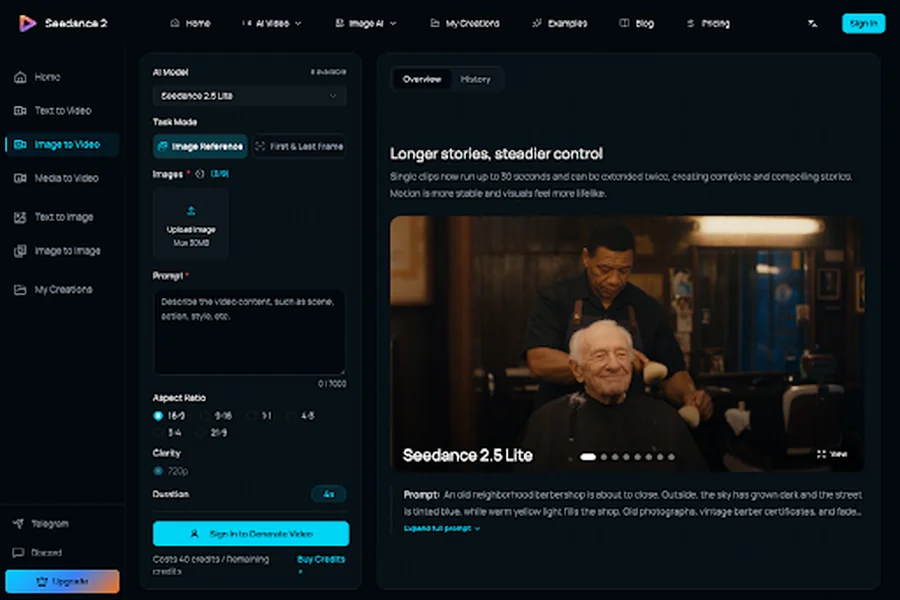
Seedance 2.5 runs in the browser. The generator asks you to sign in, pick the model and the input mode, and read the estimated credits before you submit. No local model install is required. Credits are not a dollar price on the model page, and a free try is offered, but the estimate still belongs in the producer’s notes so a 30-second multilingual pass is not treated as free because the first still was.
Publish The Visual When The Move Survives
A music or fashion film is ready when three things are true at once. The camera move matches the cue sheet from the first second to the last. The person, the garment, or the instrument is the same one the commissioner approved. Any later edit changed only the item on the list. Seedance 2.5 is a fit for that job when the piece can live inside 4 to 30 seconds and the desk would rather rewrite a timestamp than hide a splice. It is a poor fit when the program is a full live set, a multi-song recap, or a cut that honestly needs ten locations. Those still want an editor and a timeline.
The useful habit is small. Time the song. Name one camera move. Generate once. Change the jacket only if the room can stay. If the chorus still dies in a join, the treatment is not finished, and another angle of the same broken cut will not save it.